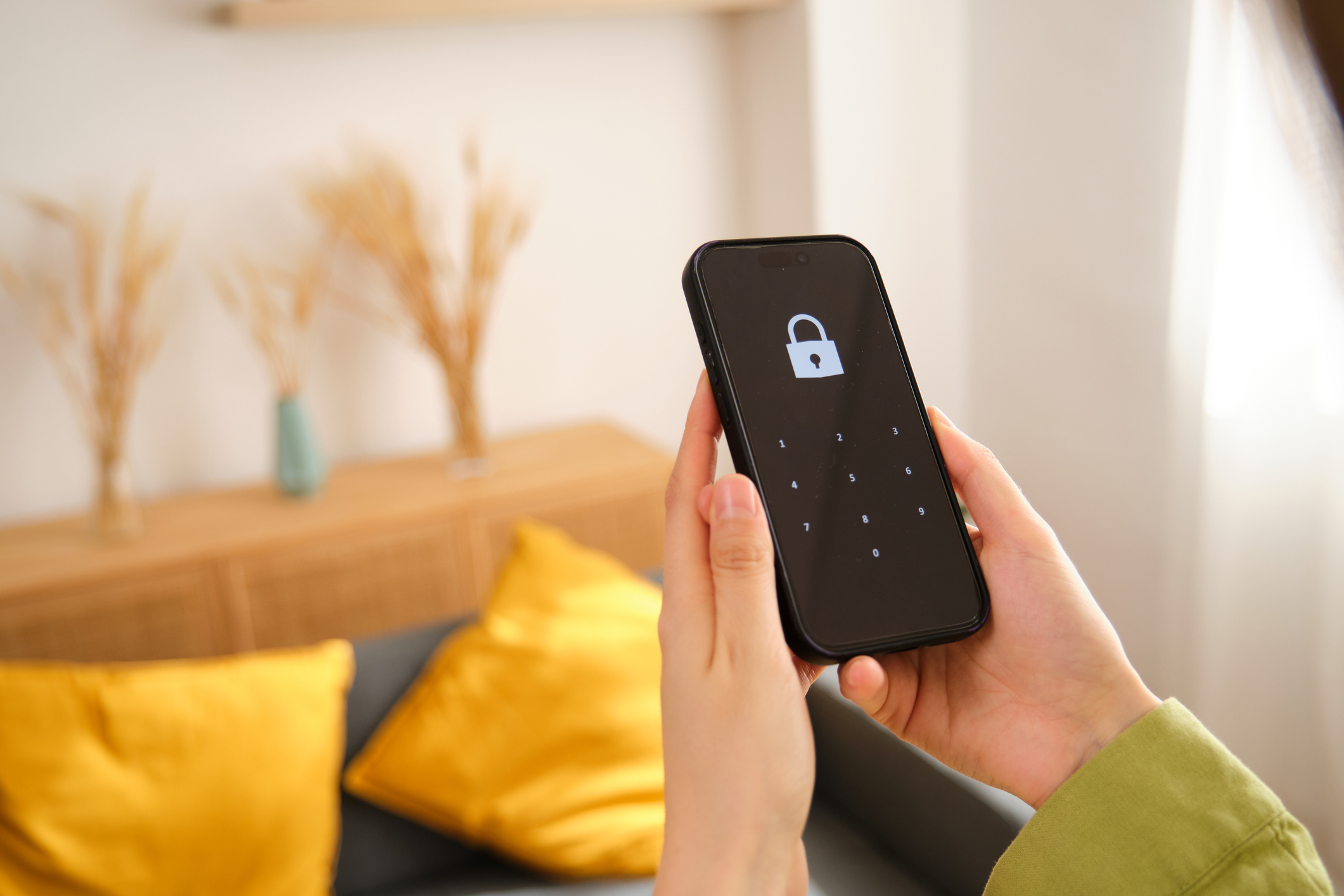
In our everyday lives, we often do things—without realizing it—that put our data at risk. With the recent rise in cyberattacks across the industry, data protection is more critical than ever. There are plenty practical steps you can take to protect your personal and business information.
Juice jacking: What it is and how to avoid it
Juice jacking is a type of cyberattack where hackers compromise public USB charging ports, such as those in airports, hotels or cafes. When you plug your phone or device into an infected USB port, malware can be installed silently—or your data can be copied—without your knowledge.
You can protect yourself in several ways:
- Always plug your device into a wall outlet using your own charger.
- Use a USB data blocker to allow power but block data.
- Carry a portable power bank for on-the-go charging.
The risk of saving passwords in browsers
While saving passwords in your browser may seem convenient, it comes with real security risks. Most browsers store passwords locally—and in some cases, unencrypted or lightly protected formats. If someone gains access to your device, they could easily extract your saved credentials.
Here’s how saving passwords in browsers can create security risks:
- Malware or hackers can access saved passwords.
- Anyone who gains physical access to your device (even briefly) can view or export them.
- There’s no centralized alerting or breach detection if one of your credentials is compromised.
Why you should use a password manager instead
A password manager is a secure tool designed to store, encrypt and manage your login credentials. It provides the same convenience as saving passwords in a browser—but with far stronger protection.
The benefits to using a password manager is clear:
- End-to-end encryption: Only you can access your data.
- Strong password generation with one master password or biometric unlock.
- Autofill functionality that works like your browser but is secured.
- Monitors for breaches and warns you if your login info appears on the dark web.
- Syncs securely across desktop, mobile and browser extensions.
- Popular tools include Bitwarden and 1Password , which have business and personal versions.
Final tip
Security is often about removing unnecessary risk. Taking a few small steps—like using a password manager or avoiding public USB ports—can dramatically reduce your chance of falling victim to cyberattacks. By adopting just a few of these strategies, you can greatly contribute to the security of your business.

LaMar Garrett
LaMar Garrett spent more than 15 years as a collegiate track coach, helping athletes achieve peak performance while developing discipline, accountability, and resilience—traits that still guide his work today. After stepping away from coaching, a major hospital system cyberattack became a turning point. Seeing firsthand how devastating security failures can be, Lamar joined Redbird Security with a clear mission: help prevent those same attacks from impacting insurance agencies across the country. Redbird Security, an insurance-specific managed service provider built for the unique operational, compliance, and security needs of independent agencies. Redbird Security streamlines agency technology, strengthens cybersecurity posture, and simplifies compliance—allowing agencies to focus on growth while reducing risk. Known for its deep insurance expertise and security-first approach, Redbird Security is recognized as a leader in the insurance IT space.